Dinkar Kamat

Updated 8 months ago

Free and user-friendly screen recorder for personal use

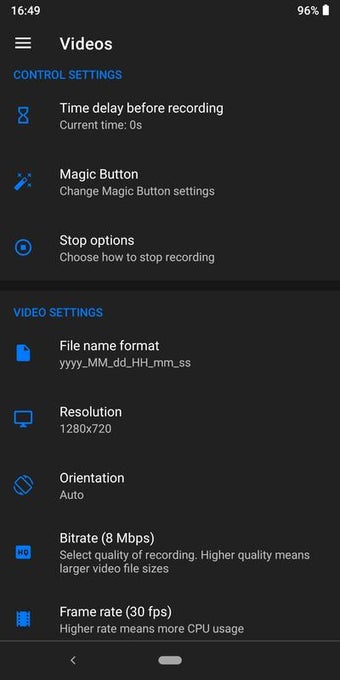
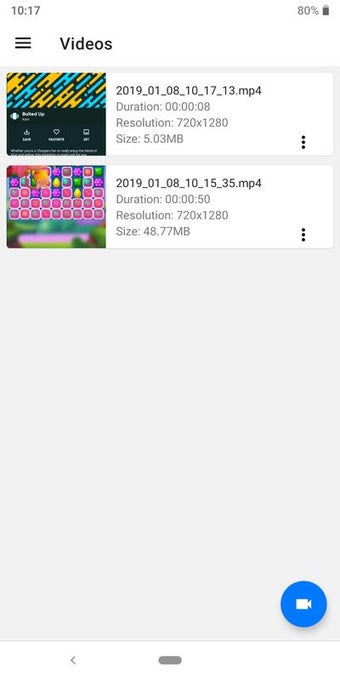
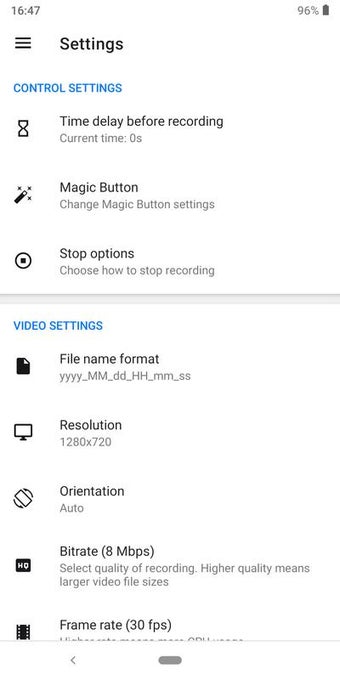
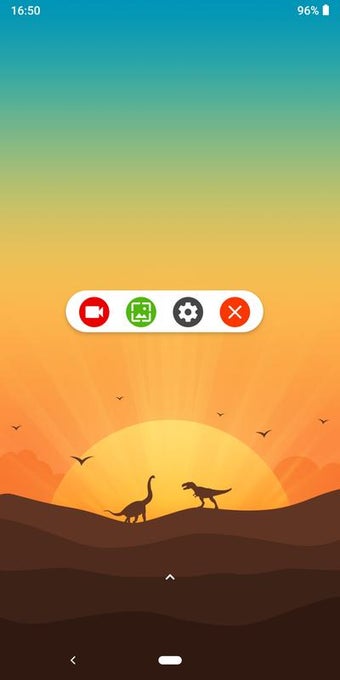
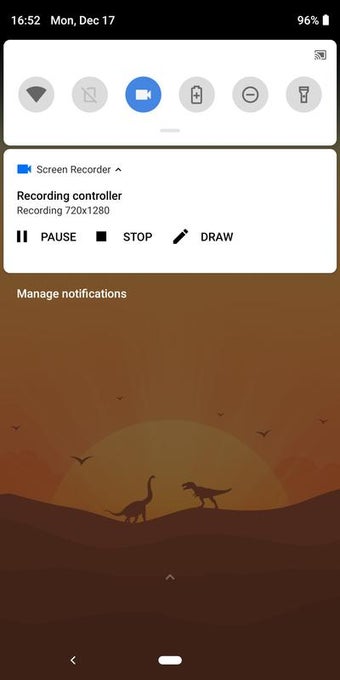
Screen Recorder Free No Ads provides users with the ability to take screenshots of a display as well as to record a live video when required. No advertisements are included within this application.

Simple and straight to the point

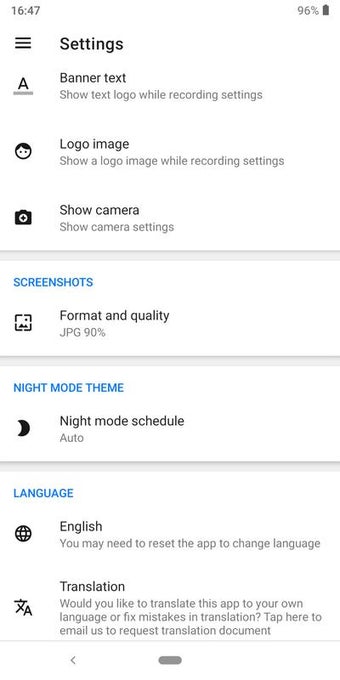
Screen Recorder Free No Ads boasts a user-friendly edge that is ideal for novices. It provides the ability to record a live display screen while static screenshots are also supported. The user can select from a host of languages and this bundle is also able to work in synergy with most third-party face cam software.

More than a screen recorder

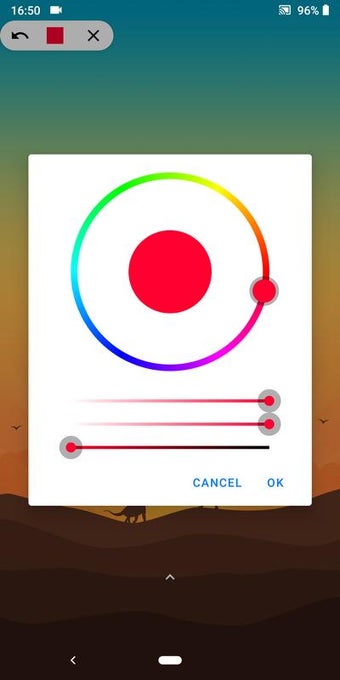
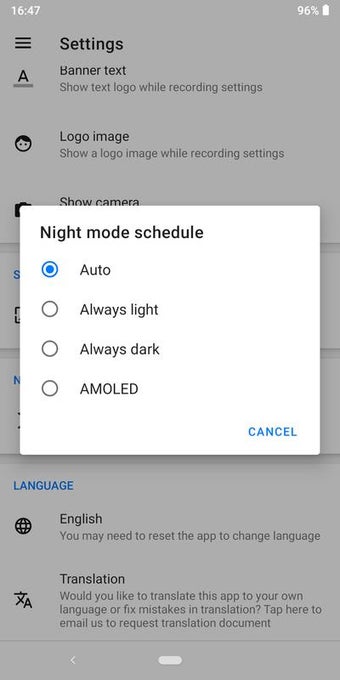
It is interesting to note that Screen Recorder Free No Ads supports basic editing actions such as trimming a video or embedding a watermark. Files can be sent to SD cards and various other destinations. Day and night themes are likewise offered. 3.6 megabytes of free memory will be required to support this application.


Dinkar Kamat

Dinkar has more than 10 years of experience in content creation, including technical articles, travel writing, and product strategy. His expertise spans SEO, digital marketing, and structured editorial work. He focuses on producing content that is both accurate and accessible for diverse audiences.

  • Pros

    • No in-app advertisements are included
    • Supports a handful of basic editing options
    • Very little hard drive memory is required
    • Provides support for numerous languages
  • Cons

    • Permissions might be required to activate this app on certain devices
    • Recorded videos cannot be compressed
    • Files may be deleted on occasion for no apparent reason
    • The editing tools can be somewhat difficult to use
 0/8

App specs

Program available in other languages


User reviews about Screen Recorder

Have you tried Screen Recorder? Be the first to leave your opinion!

Add review

You may also like

Alternatives to Screen Recorder

Explore Apps

Latest articles

Laws concerning the use of this software vary from country to country. We do not encourage or condone the use of this program if it is in violation of these laws.
Softonic

Is Screen Recorder safe?

100/100

Score result: Clean

This file passed a comprehensive security scan using VirusTotal technology. It is safe to download.

  • Virus free
  • Spyware free
  • Malware free
  • Verified by Security Partners

    VirusTotal logo

Scan Info

Last scan
Saturday, November 8, 2025
Scan provider
VirusTotal · Full report

File Integrity

File
com-kimcy929-screenrecorder-328-55965226-d61e9cd0b89adbbecf73272a674b356f.apk
SHA256
8910f907e11539a2320c40186ed16f8e45c208fda60f987b1329f37e365fc01d
SHA1
3eb98e42f3ff318bcecafa91a4c00337cdf25710

Softonic security commitment

Screen Recorder has been thoroughly scanned by our advanced security systems and verified by industry-leading partners. This file comes from the official developer and has passed all our security checks, showing no signs of viruses, malware, or spyware. For more information, visit our Security and Trust Center